TL;DR: The 60-Second Security Shield
If you’re a small business owner in 2026, “hoping for the best” is not a security strategy. To protect your team, move beyond basic passwords. The gold standard today involves Zero Trust Network Access (ZTNA), phishing-resistant Multi-Factor Authentication (MFA), and moving your Remote Desktop Protocol (RDP) behind a secure gateway or tunnel. Don’t leave port 3389 open to the world it’s like leaving your front door wide open with a sign that says “Free Data Inside.”
Beyond the Open Door: How to Secure Remote Desktop for Small Business
Remember the days when “remote work” meant a clunky VPN and a prayer? Welcome to 2026, where the “office” is wherever your laptop lands, and the hackers are more persistent than a spam caller about your car’s extended warranty.
For the modern entrepreneur, knowing how to secure remote desktop for small business isn’t just a technical chore it’s the backbone of your operational continuity. If your RDP isn’t locked down, you aren’t just letting employees in; you’re rolling out the red carpet for ransomware. Let’s dive into how to turn your remote access from a liability into a fortress.
The “Why” Behind the Worry: The RDP Target
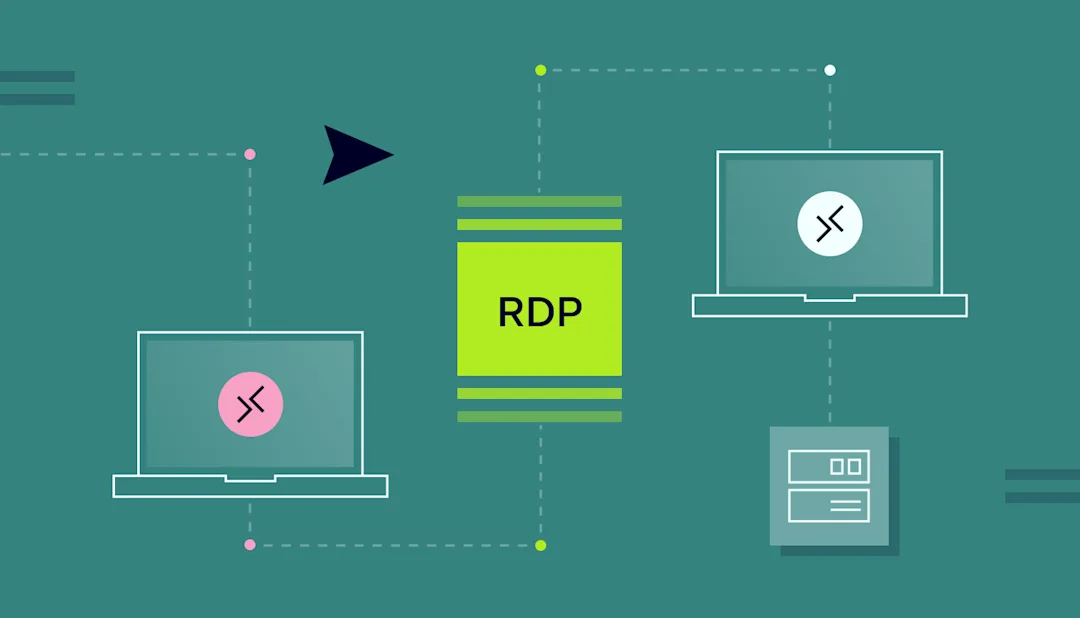
Remote Desktop Protocol (RDP) is the most common way employees access their work PCs from home. It’s convenient, it’s built into Windows, and unfortunately, it is the #1 favorite entry point for cybercriminals. Why? Because most businesses leave it “naked” on the internet, protected by nothing more than a single, guessable password.
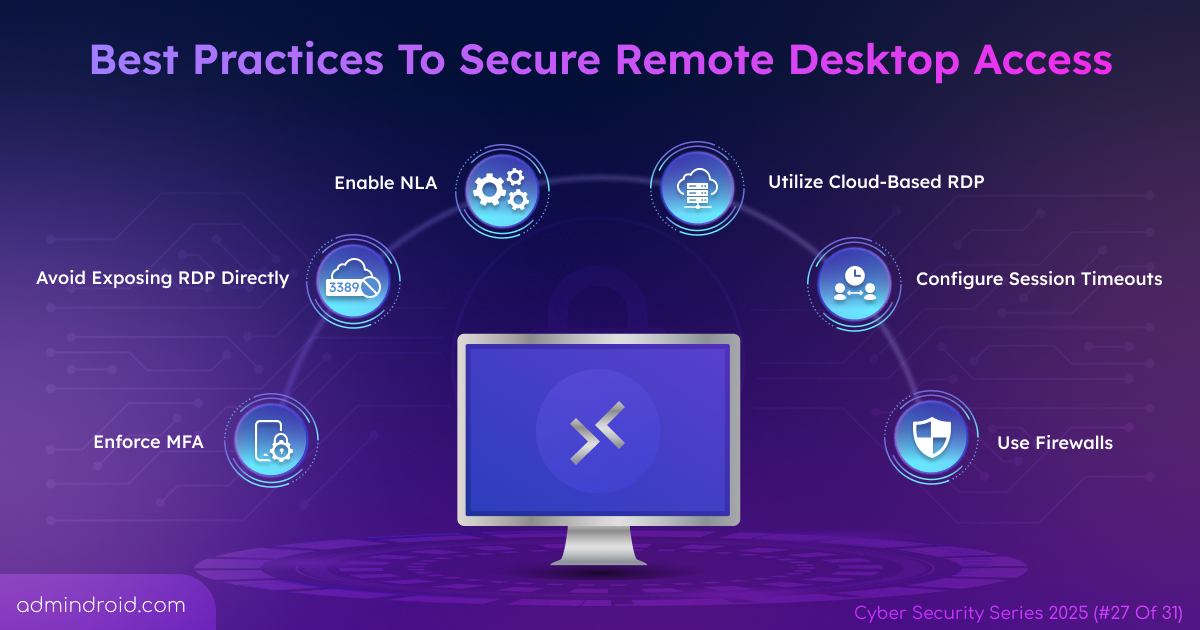
Step 1: Murder the Default Port (3389)
By default, RDP listens on port 3389. Hackers run automated scripts 24/7 that scan the entire internet for any device with this port open.
- The Pro Move: Stop exposing RDP directly to the web. Instead, use a Remote Desktop Gateway or a secure tunnel. If you must use it, change the default port, though this is “security by obscurity” and only a minor speed bump for a determined attacker.
Step 2: Multi-Factor Authentication is Non-Negotiable
In 2026, a password is like a screen door in a hurricane it won’t hold. To truly understand how to secure remote desktop for small business, you must embrace MFA.
- Push Notifications & Biometrics: Use app-based authenticators or hardware keys (like YubiKeys).
- Avoid SMS: Text-based codes are easily intercepted via SIM swapping.
Step 3: Transition to Zero Trust Network Access (ZTNA)
The “Old Way” was a VPN. The “2026 Way” is Zero Trust. Unlike a VPN, which often gives a user “the keys to the kingdom” once they’re in, Zero Trust operates on a simple principle: Never Trust, Always Verify. VirtuWorks specializes in implementing these frameworks, ensuring that even if a device is connected, it only has access to the specific apps and data required for that user’s role.
Quick Comparison: Old Security vs. 2026 Standards
| Feature | The “Old Way” (Risk High) | The 2026 Way (VirtuWorks Standard) |
| Access Method | Direct RDP / Basic VPN | Zero Trust Network Access (ZTNA) |
| Authentication | Password only | Phishing-resistant MFA + Biometrics |
| Port Security | Open Port 3389 | Hidden via Secure Tunnels/Gateways |
| Visibility | Logged once per day | Real-time AI Threat Detection |
| Updates | “Remind me tomorrow” | Automated, Proactive Patching |
The AI Advantage: Why Your Security Needs a Brain
Modern threats move at machine speed. Generative AI isn’t just for writing emails; hackers use it to create polymorphic malware that changes its “look” to bypass traditional antivirus.
This is where virtueworks-inc.com changes the game. By utilizing AI-powered monitoring, we don’t just wait for a breach; we look for behavioral anomalies. If an employee who normally logs in from Miami suddenly tries to access the server from a dynamic IP in Eastern Europe at 3:00 AM, our systems flag and block it before a single file is encrypted.
Don’t Forget the Human Element
You can have the most expensive firewall in the world, but if “Dave from Accounting” clicks on a “Verify Your Payroll” link in a spoofed email, the gates are open.
- Regular Training: Run phishing simulations.
- Least Privilege: Does your intern really need admin access to the main server? Probably not.
- Session Timeouts: Set your remote sessions to disconnect after a period of inactivity.
Implementing a “Secure-First” Culture
Securing a remote desktop isn’t a “one and done” task. It’s a continuous process of auditing and updating. Small businesses often feel they are too small to be a target. The reality? You are an easy target because hackers know you likely lack a dedicated 24/7 IT security team.

Why Managed IT is the Ultimate Shield
Configuring these layers can be overwhelming. Between managing Microsoft 365 permissions, setting up Azure Bastion, and ensuring compliance with industry standards like HIPAA or CMMC, it’s a full-time job.
When you partner with a managed service provider, you aren’t just buying software; you’re buying peace of mind. We ensure that the question of how to secure remote desktop for small business is answered with a resounding: “It’s already handled.”
Conclusion: Your Remote Future Starts Now
Remote work is the greatest talent-attraction tool a small business has, but it shouldn’t be your greatest vulnerability. By closing open ports, enforcing MFA, and shifting toward a Zero Trust model, you protect your data, your reputation, and your bottom line.
Ready to lock down your digital perimeter? Don’t wait for a “System Encrypted” message to appear on your screen. At VirtueWorks, we’ve been securing businesses for over 30 years with a 100% US-based team.